Build an ISP Customer Portal That Resolves Work
Design self-service around verified account actions, clear service state and safe recovery instead of turning internal screens into customer pages.
Design self-service around verified account actions, clear service state and safe recovery instead of turning internal screens into customer pages.
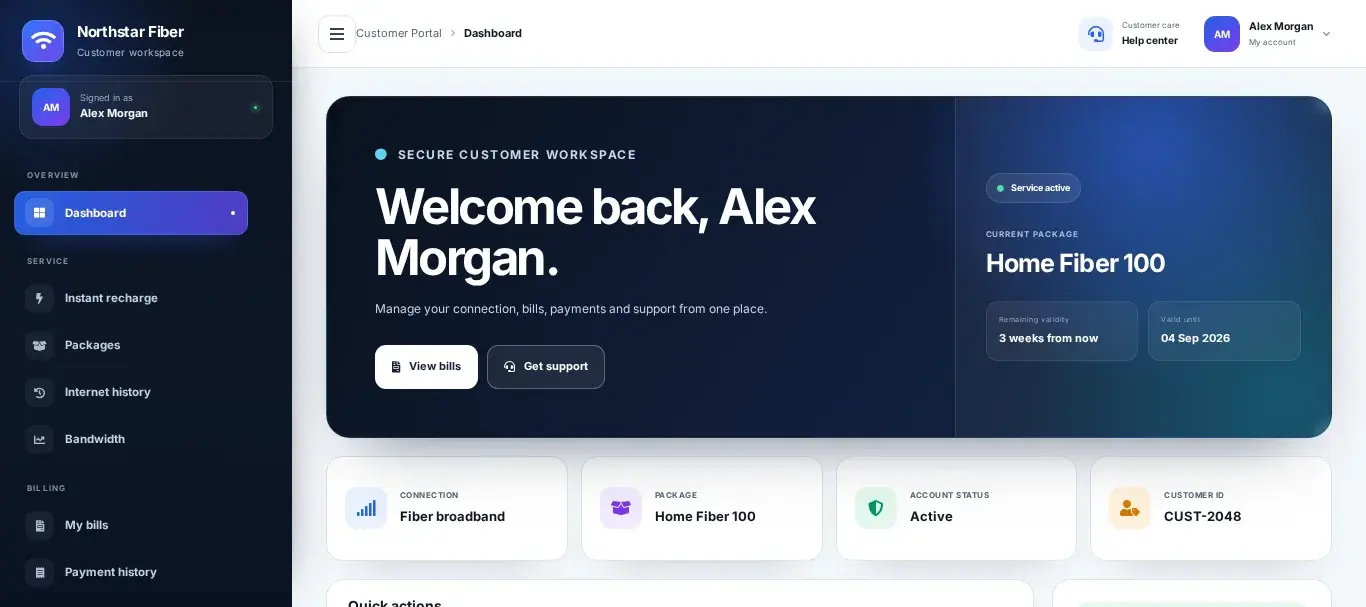
Self-service must finish a customer job
A portal creates value when a subscriber can understand service status, pay the correct obligation, retrieve a receipt, update approved details or open a well-contextualized support request. A collection of read-only cards merely moves confusion from the call centre to the browser.
Clarity
Show balance, validity, package and service status with unambiguous timestamps.
Action
Make payment, package and support workflows complete and recoverable.
Security
Protect identity, sessions and high-impact changes with proportionate controls.
Accessibility
Work on low-end mobile devices, slow links and assistive technology.
Use customer language
Separate amount due, due date, service validity and online status. “Active” can refer to an account, package, invoice or session; label the exact state and explain what changes after payment.
Show pending gateway results distinctly from successful and failed payments. Never issue a receipt or activate service because the browser reached a return URL.
Design safe transactions
Generate server-side transaction identifiers, verify gateway callbacks and make retries idempotent. High-impact changes such as mobile number, package migration or saved payment method need reauthentication and confirmation.
Scope every direct object lookup to the authenticated customer and tenant. Hiding a link is not authorization; test sequential IDs and search endpoints.
Design for real access conditions
Prioritize mobile layout, compact assets and graceful recovery after connection loss. Preserve submitted ticket text and payment context when a session expires.
Offer accessible labels, focus states and readable contrast. A portal used during an outage must not depend entirely on the same failing access path; provide alternate communication where practical.
Evidence before rollout
| Signal | Required proof |
|---|---|
| State language | Customers can distinguish billing, validity and connectivity. |
| Authorization | IDs, searches, downloads and APIs are tenant-scoped. |
| Payment proof | Server verification precedes receipt and activation. |
| Mobile recovery | Interrupted forms can be safely resumed or retried. |
| Accessibility | Keyboard, contrast, labels and error messages are tested. |
Put the plan into operation
- Research. List the highest-volume customer jobs and failure points.
- Prototype. Test language and mobile flows with real users.
- Secure. Threat-model identity, payments, downloads and account changes.
- Integrate. Use verified billing, gateway and session sources.
- Pilot. Measure completion and assisted-contact rate.
- Iterate. Fix abandoned and repeated workflows before adding features.
The decision standard
A portal is ready when customers can complete priority jobs without ambiguity, failed transactions recover cleanly, every object is authorized server-side and the measured need for follow-up support falls without increasing disputes.
Research basis: OWASP ASVS; W3C WCAG; NIST digital identity guidance. Validate implementation details against the releases, contracts, and local regulations governing your network.