Implementation guide
Connect MikroTik RouterOS to FreeRADIUS
A MikroTik NAS and a RADIUS server must agree on source addresses, shared secrets, services, attributes and time. ISPbills provides the subscriber and policy context around that AAA exchange.
Use the interface and documentation together.
The capture below shows the related ISPbills product area. Follow the linked documentation for current fields and prerequisites, then validate the exact device, provider, software version, failure path and rollback before production use.
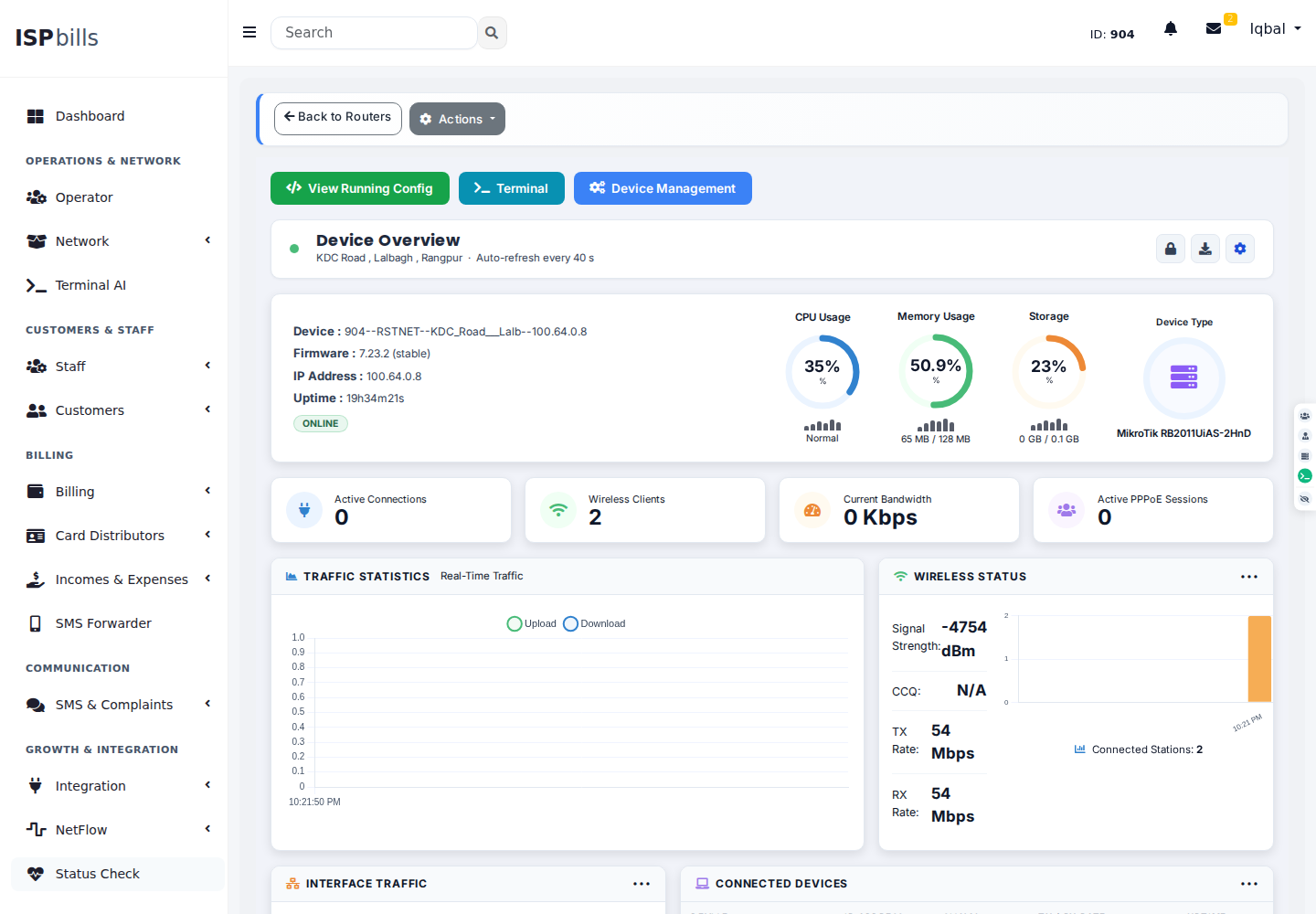
Plan the complete path, not one isolated setting.
Plan MikroTik and FreeRADIUS integration for PPPoE or Hotspot authentication, authorization, accounting and subscriber session control. Confirm the exact device, software version, provider contract and failure behavior in a representative environment before production rollout.
Register the NAS
Use the actual source address RouterOS presents and a protected shared secret.
Enable the intended service
Configure PPP or Hotspot authentication and accounting without unintentionally changing unrelated login paths.
Verify the exchange
Test accept, reject, accounting and session-control behavior while preserving useful logs.
Prove the boundaries before automating them.
Record expected results, failure signals, the person who can approve a change, and the rollback path. Product support depends on the deployed architecture and integration version.
- UDP ports and routingTest this requirement with representative data and retain the result in the implementation plan.
- NAS source address and secretTest this requirement with representative data and retain the result in the implementation plan.
- Vendor attributes and profilesTest this requirement with representative data and retain the result in the implementation plan.
- Interim updates and CoA reachabilityTest this requirement with representative data and retain the result in the implementation plan.
Implementation answers
What ports does RADIUS use?
Common defaults are UDP 1812 for authentication and 1813 for accounting, but the deployed configuration is authoritative.
Why does a MikroTik RADIUS request time out?
Check routing, firewall rules, NAS source address, server listener, shared secret and packet logs in that order.
Can API and RADIUS be used together?
Yes, when responsibilities are explicit: RADIUS for AAA and the RouterOS API for supported configuration or monitoring actions.
Bring the actual routers, access design, billing rules and failure cases.
Explore the online workspace or ask ISPbills to review compatibility and migration scope.