Implementation guide
How MikroTik ISP Billing Works
This implementation guide follows the handoff from a billing event to RouterOS or RADIUS access policy. For product selection and feature evaluation, use the separate MikroTik billing software page.
Use the interface and documentation together.
The capture below shows the related ISPbills product area. Follow the linked documentation for current fields and prerequisites, then validate the exact device, provider, software version, failure path and rollback before production use.
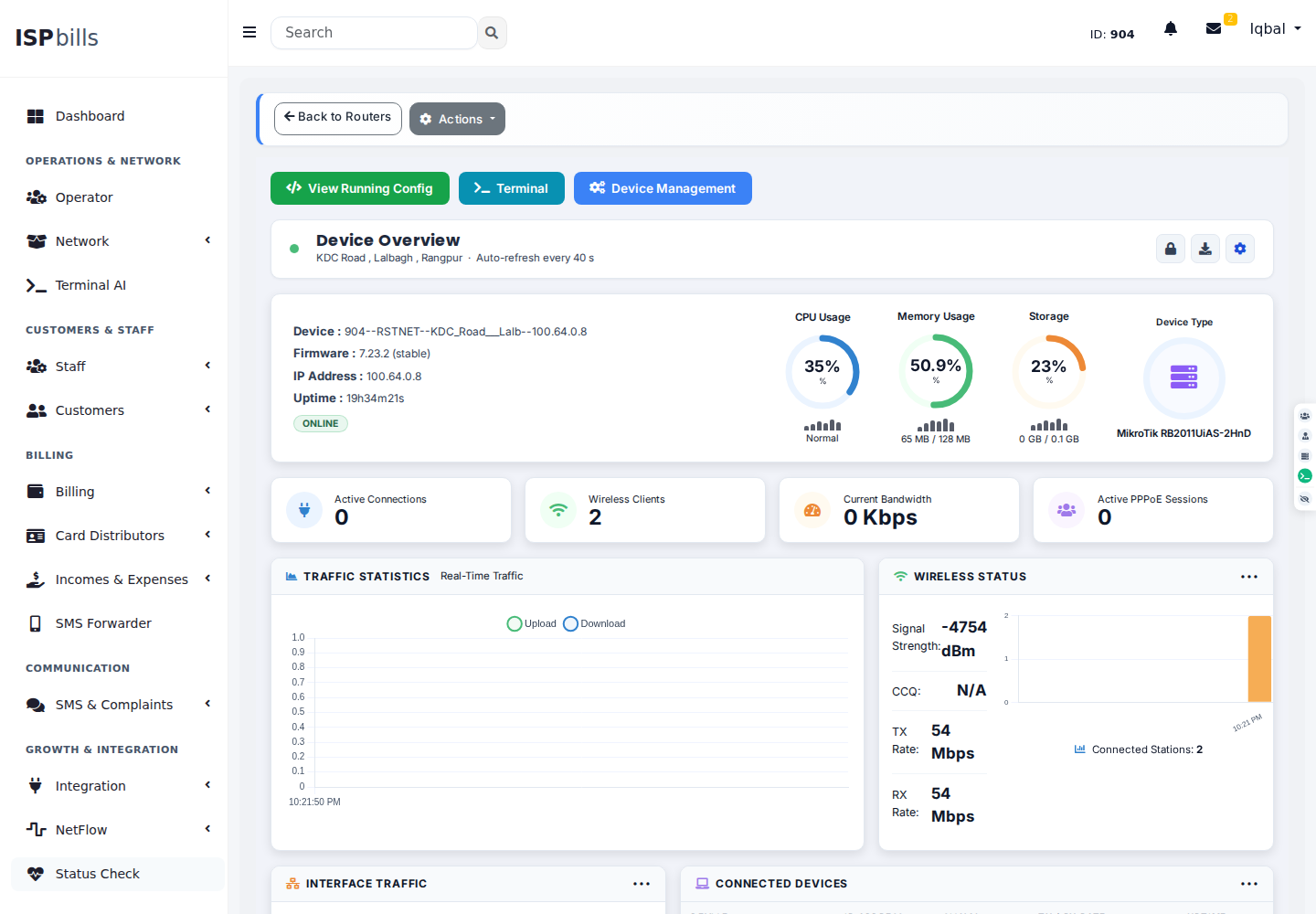
Plan the complete path, not one isolated setting.
Plan the technical lifecycle connecting invoices and verified payments to MikroTik PPPoE or Hotspot policy, suspension, active sessions and restoration. Confirm the exact device, software version, provider contract and failure behavior in a representative environment before production rollout.
Define the service record
Map each subscriber, package, billing cycle and credential to the intended router or RADIUS policy.
Verify payment state
Accept a provider or staff payment only after its amount, reference and status are reconciled.
Apply controlled access
Use the configured RouterOS or RADIUS path for activation, suspension and restoration, with operator visibility.
Prove the boundaries before automating them.
Record expected results, failure signals, the person who can approve a change, and the rollback path. Product support depends on the deployed architecture and integration version.
- RouterOS version and API reachabilityTest this requirement with representative data and retain the result in the implementation plan.
- PPPoE or Hotspot ownershipTest this requirement with representative data and retain the result in the implementation plan.
- Grace and suspension rulesTest this requirement with representative data and retain the result in the implementation plan.
- Rollback and manual overrideTest this requirement with representative data and retain the result in the implementation plan.
Implementation answers
Can ISPbills bill MikroTik PPPoE users?
Yes. Subscriber billing can be connected to supported PPPoE workflows through RouterOS API or RADIUS.
Does every router need a public IP?
No. A private management path such as the supported VPN approach can be used where direct reachability is unavailable.
Are routers billed per device?
The published ISPbills plans do not add a MikroTik device fee; verify current commercial terms on the pricing page.
Bring the actual routers, access design, billing rules and failure cases.
Explore the online workspace or ask ISPbills to review compatibility and migration scope.