On this page
The Routers & Packages section is where you connect your MikroTik hardware to ISPbills and define the internet service plans you sell to customers. Every customer subscription ties back to a router and a package defined here.
What This Section Covers
| Feature | Purpose |
|---|---|
| Routers | Register and manage MikroTik routers; ISPbills connects via the MikroTik API. |
| Packages | Define bandwidth plans, prices, and billing periods sold to customers. |
| Master Packages | Group packages under a master plan for reseller wholesale pricing. |
| PPP Profiles | Manage PPP (Point-to-Point Protocol) profiles pushed to routers. |
| IPv4 Pools | Define IP address pools assigned to PPPoE and hotspot customers. |
| IPv6 Pools | Define IPv6 address pools for ISPs running dual-stack networks. |
| VPN Accounts | Manage VPN accounts used for secure connectivity between ISPbills and remote routers. |
| Backup Settings | Select RADIUS or Router authentication and configure customer credential failover. |
| Device Configuration Backup | Keep versioned MikroTik and OLT configuration snapshots, diffs and restores. |
Pages in This Section
- Routers — Add, configure, and monitor your MikroTik routers. ISPbills communicates with routers via the MikroTik RouterOS API to provision and suspend customers automatically.
- Packages — Create the internet plans (PPPoE, hotspot, static IP) that customers subscribe to.
- Master Packages — Define wholesale plans for resellers to resell under their own pricing.
- PPP Profiles — View and manage PPP profiles that ISPbills creates on your routers.
- IPv4 Pools — Configure the IP address ranges ISPbills draws from when assigning IPs to customers.
- IPv6 Pools — Configure IPv6 address pools for dual-stack deployments.
- VPN Accounts — Create VPN accounts so ISPbills can securely reach routers on private networks.
- Backup Settings — Configure the primary authenticator and customer credential copy/failover workflow.
- Device Configuration Backup — Back up, compare, download and restore versioned MikroTik and OLT configurations.
Key Concepts
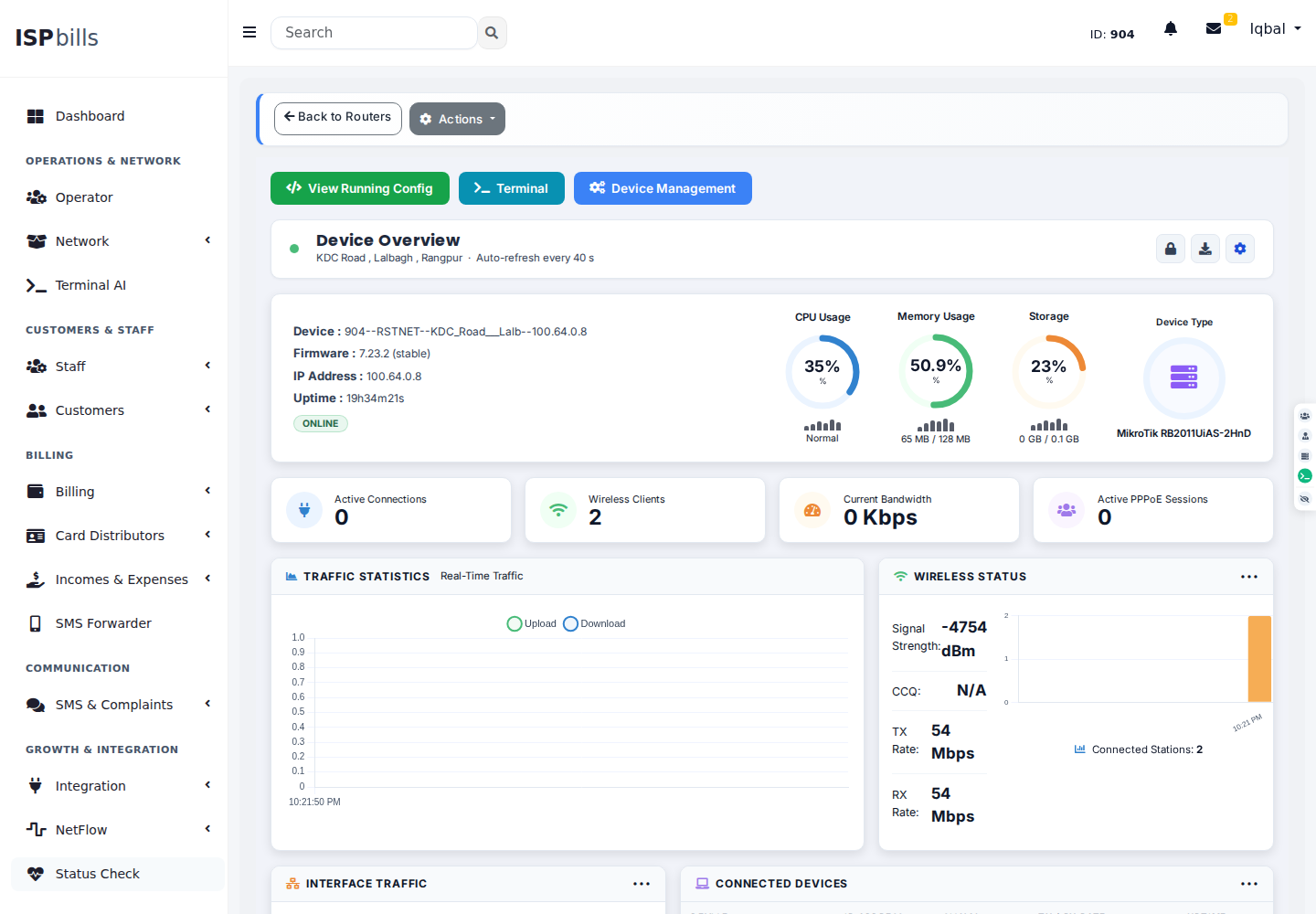
Router API Connection
ISPbills connects to each MikroTik router over its API port (default: 8728 or 8729 for SSL). When a customer is activated, renewed, or suspended, ISPbills sends commands directly to the router — no manual CLI work is needed.
Package Structure
A Package defines:
- Download / upload speed limits (Mbps or Kbps)
- Price (monthly or daily rate)
- Billing type (PPPoE daily, PPPoE monthly, hotspot, static IP)
- Associated router and IP pool
Master Packages
Master packages allow the admin to set a wholesale cost that resellers pay, while resellers can set their own retail prices for the same underlying plan.
VPN Accounts
If your routers are behind NAT or on a private network, ISPbills can connect to them through a VPN tunnel. Each VPN account represents one secure tunnel endpoint.
Accessing Routers & Packages
Navigate to Routers & Packages in the left sidebar.